Readme for using online analysis tool of InfectDiagno.

Select data types which need to be analyzed, i.e. RNA-Seq or Microarray data. The input data should have header line, and column separator shoud be blank space. Example input data: here
.

Notice: The input RNA-seq data should be FPKM (Fragments per kilo base per million mapped reads). Here is the code to normalized the RNA-seq data from read count to FPKM: Source code for count to FPKM, Example data, Gene position files.
Upload the gene expression data into the “Gene expression data input” frame to start analysis (example here).
The file of gene expression shoule be in text format, which should have two columns.
The first column is the names of genes (Offical gene symbol, example here), and the second column is the expression values of the corresponding genes.
All annotated protein-coding genes should be included in the gene expression file.

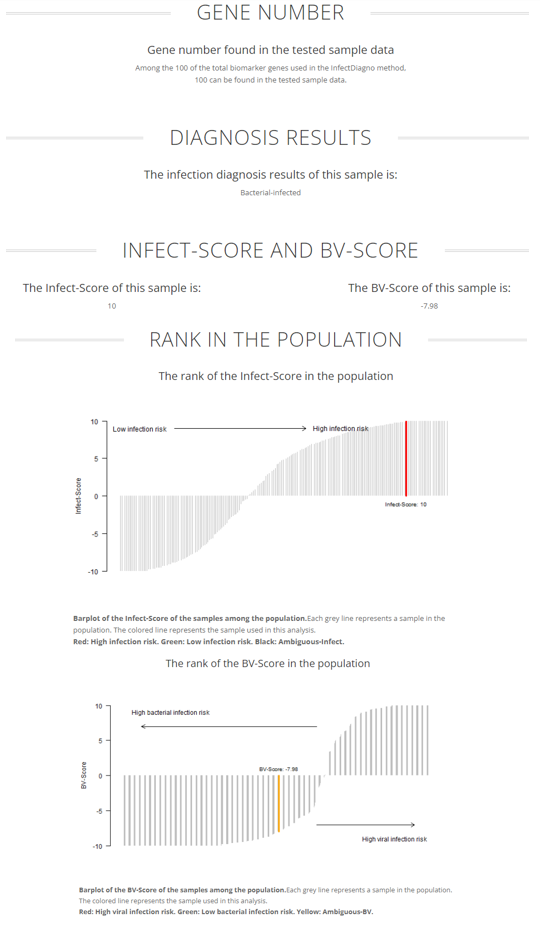
Finally, after clicking the "Submit" button, the InfectDiagno analysis results will be displayed in a minute.